Create manual late slip entries for drivers
Things to do
- Submit a driver’s late slip
- View any late slips submitted
- Delete any previous late slips
Step 1: Submit a driver’s late slip
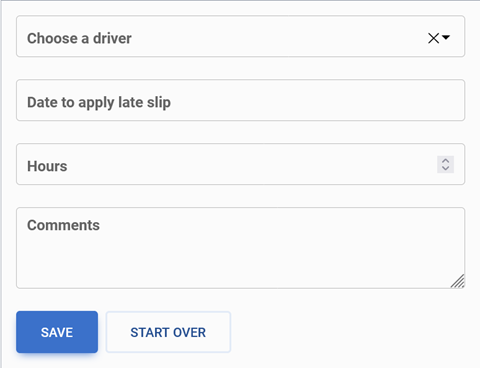
To submit a late slip for a driver simply fill out the form on the late slip entries page,
- Choose driver
- Enter the date to apply the late slip
- Chose the hours in which the driver worked
- And make any comments
once all the information is filled in the form and it is correct click or select the blue save button

If the information wasn’t entered correctly or another driver’s late slip needs to be submitted, click or select the start over button

Step 2: View submitted late slips
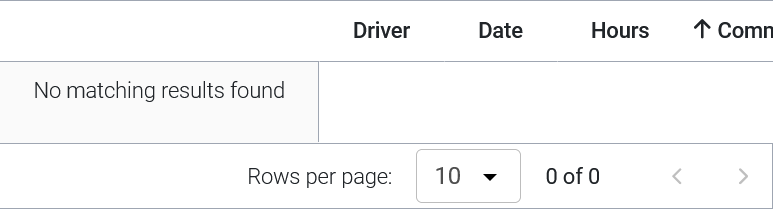
To view any late slip entries from before located the chart at the bottom of the screen to view the late slip entries.
Delete late slip entries

To delete any previous late slips that have already been saved click or select the red trash can icon and the entry will be deleted.