Manage all available vehicles available for logging routes.
Things to do:
- View available and unavailable vehicles
- Edit vehicle
- Add a vehicle
Step 1: View available and unavailable vehicles
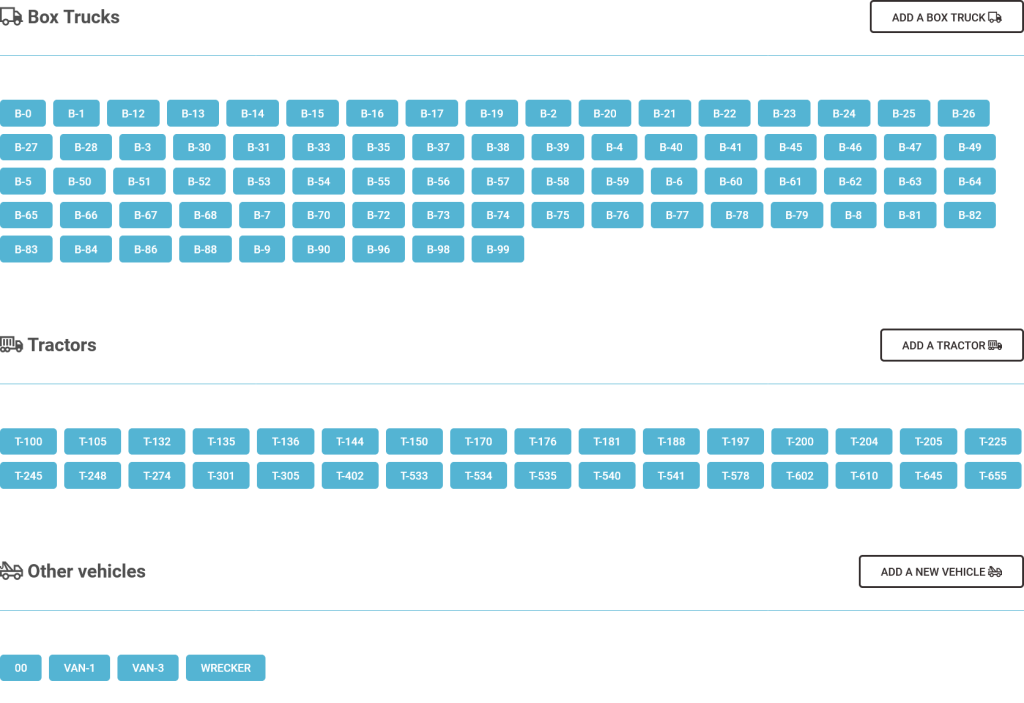
Here you will see all available vehicles on the vehicles tool page.
Step 2: Edit vehicle
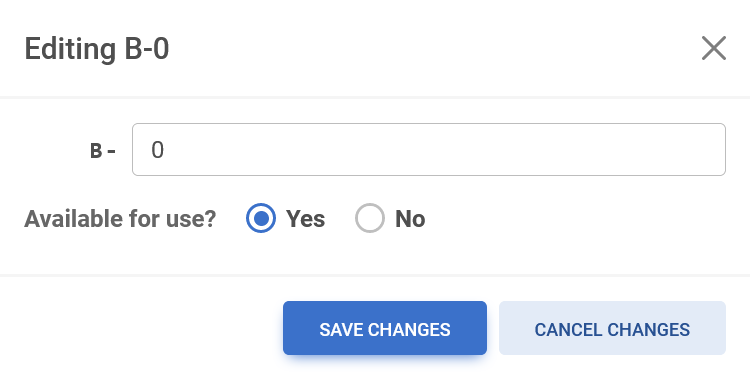
To edit a vehicle, select or click on a vehicle number and this will allow you to edit the vehicle number and make the vehicle available or unavailable for use.
Step 3: Add a vehicle
To add a vehicle, click or select the “add box truck” or “add van” button to the right of the vehicle list. There will be a prefix for the specific vehicle, enter the vehicle number. Select yes or no to make the vehicle available for use.
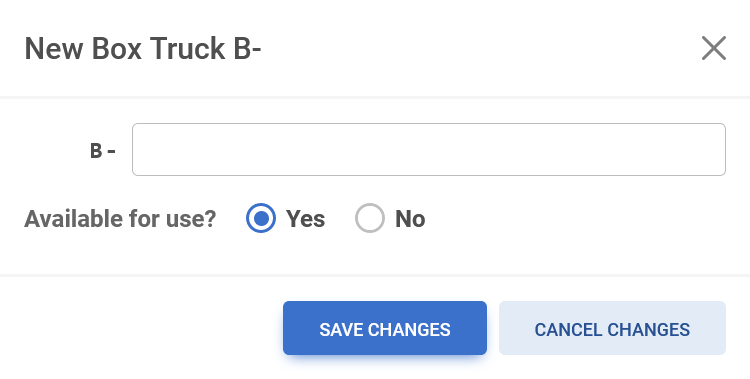
Once all the vehicle’s information is entered and determined whether the vehicle is available or unavailable, click or select the blue save button at the bottom of the window to save the newly added vehicle.

Or if you do not want to save the changes click or select the light blue cancel changes button.

The vehicle will now appear in the vehicle archive and become available for drivers to use on their routes.